

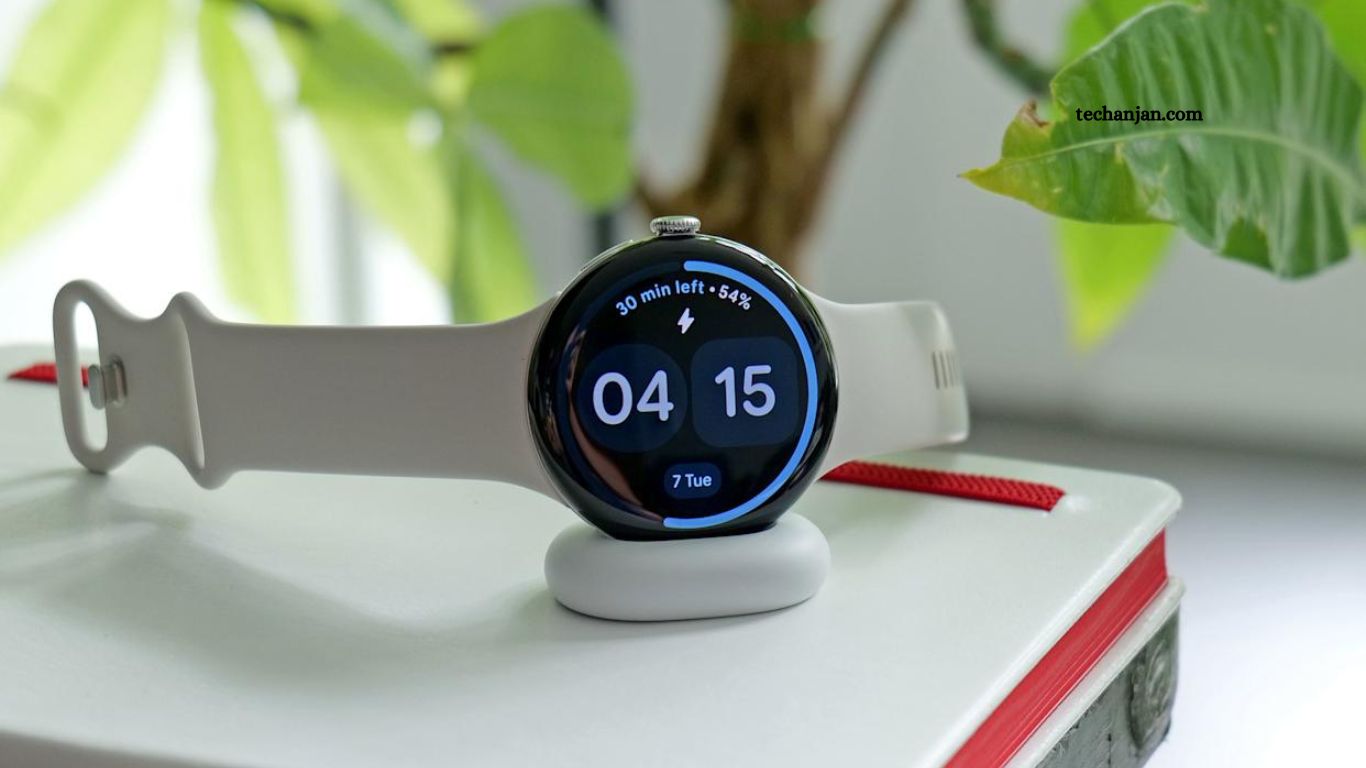
Google has officially rolled out new gesture-based controls for the Pixel Watch 4, enhancing the wearable’s usability and one-handed functionality. Released just two months ago, the Pixel Watch 4 impressed early reviewers with its sleek design and comprehensive smartwatch features, but it lacked intuitive gesture interactions—a gap Google is now addressing.
The latest update introduces double pinch and wrist turn gestures, allowing users to perform common actions like answering or ending calls, pausing timers, and dismissing notifications with simple hand movements. These gestures are designed to make interactions faster, more natural, and more accessible, while also providing on-screen hints and tutorials to guide users. This move aligns the Pixel Watch 4 more closely with competing smartwatches while enhancing its unique Google ecosystem integration.
Read More: A Guide to Nvidia Chips at the Heart of the US-China AI Rivalry
New Gesture Features: Double Pinch and Wrist Turn
Among the most notable additions are double pinch and wrist turn, which allow users to interact with the watch more seamlessly. These gestures mirror some of the functionality seen on competing devices like the Apple Watch.
- Double Pinch: Users can pinch their fingers together twice on the same hand to perform actions such as answering or ending calls, as well as pausing timers. The watch also provides on-screen “context hints” suggesting when this gesture can be used effectively.
- Wrist Turn: This feature functions similarly to Apple’s wrist flick, letting users dismiss incoming calls or perform other actions with a simple turn of the wrist.
Improving Existing Interactions
The Pixel Watch 4 already offers gestures like scrolling through notifications by rotating the wrist and activating Gemini through the “raise to talk” motion. However, the latter has proven somewhat finicky, requiring precise movements from the watch’s homepage. Google plans to release a step-by-step tutorial to make this feature more accessible and easier to use.
Frequently Asked Questions
What new gestures are available?
Double pinch and wrist turn.
How does double pinch work?
Pinch fingers twice to answer/end calls or pause timers.
What does wrist turn do?
Turn your wrist to dismiss calls or perform actions.
Any improvements to existing gestures?
Yes, Google added tutorials for “raise to talk” and refined scrolling gestures.
Are these similar to Apple Watch features?
Yes, double pinch mirrors double tap, and wrist turn mirrors wrist flick.
How can I learn these gestures?
Use on-screen hints and step-by-step tutorials from Google.
Conclusion
The Google Pixel Watch 4’s new double pinch and wrist turn gestures mark a significant step toward more intuitive, one-handed operation. By addressing previous limitations in gesture controls and providing helpful tutorials, Google enhances both convenience and usability. These updates bring the Pixel Watch closer to industry standards while maintaining its unique integration with Google services, offering users a smoother and more responsive wearable experience.
