

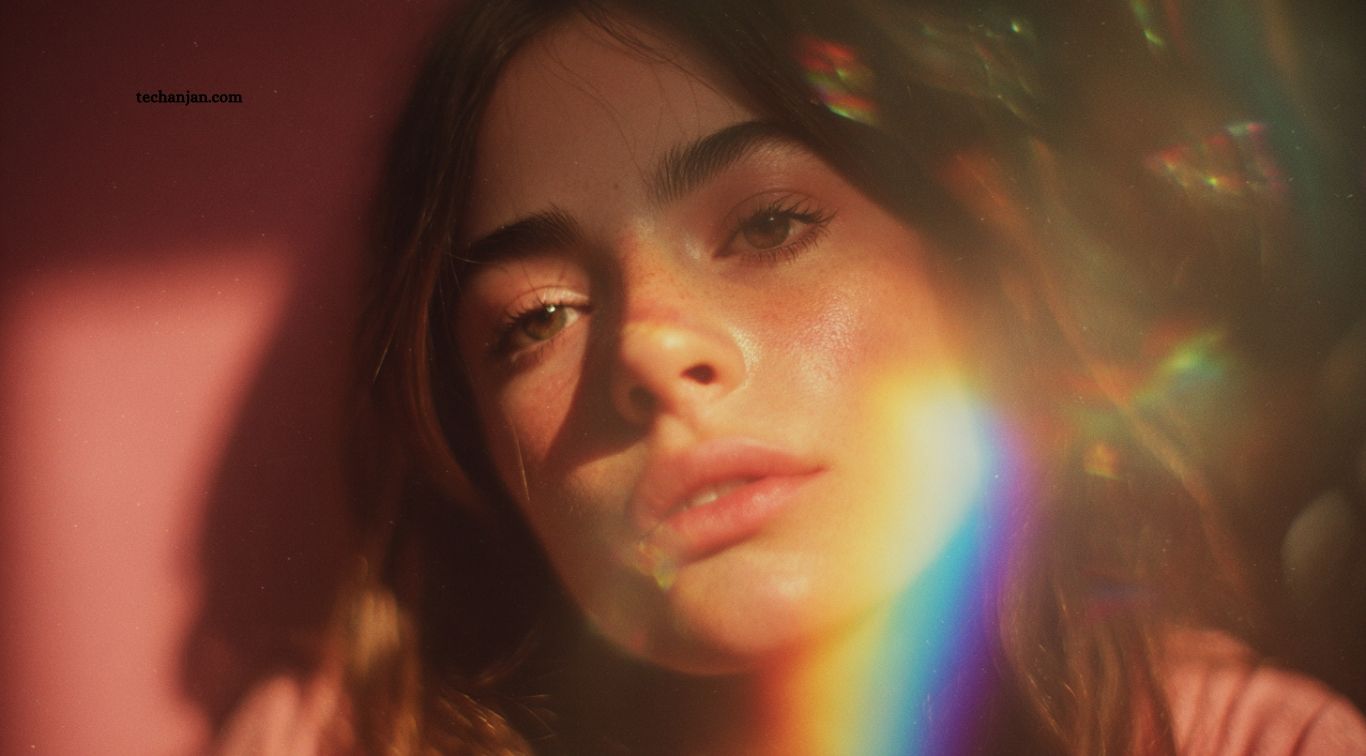
AI image generators are changing how people create digital artwork, social media graphics, marketing visuals, product images, and realistic portraits. These tools turn written prompts into images, allowing beginners and professional creators to produce visual content without advanced design skills. With many platforms available, choosing the best AI image generator depends on image quality, creative control, editing features, pricing, and ease of use.
Some AI image generators excel at photorealistic images, while others are better for artistic illustrations, branded graphics, or creative experimentation. Tools such as ChatGPT image generation, Google Gemini, Midjourney, Adobe Firefly, and Ideogram offer different approaches to AI-powered creativity. Comparing their strengths and limitations can help you select a platform that suits your projects, workflow, and budget.
Read More: Top Free AI Tools for Students and Professionals
What Is an AI Image Generator?
An AI image generator is a tool that creates images from text descriptions, reference images, or a combination of inputs. Users can describe a subject, setting, lighting, colors, artistic style, and composition, and the system generates a visual based on those instructions. Some platforms also support editing existing images, removing objects, changing backgrounds, or creating variations of an original design.
These tools are useful for bloggers, marketers, designers, content creators, students, and small businesses. They can speed up brainstorming, produce concept art, create social media visuals, and support advertising campaigns. However, output quality varies by tool and prompt, so users should review generated images for visual errors, inaccurate details, text mistakes, and licensing requirements before publishing or using them commercially.
ChatGPT Image Generation
ChatGPT image generation is a convenient option for users who want to create and refine visuals through natural conversation. You can describe an image, request a particular style, and ask for changes without rewriting the entire prompt each time. This conversational workflow is useful for developing concepts, generating illustrations, designing promotional visuals, and editing images through follow-up instructions.
One major advantage is the ability to refine an idea gradually, making it approachable for people who are unfamiliar with advanced prompt engineering. Results depend on the model and features available to your account, and usage limits may apply. For best results, clearly explain the subject, composition, mood, aspect ratio, and important details you want to preserve. Review generated text and fine details before using the image in a finished project.
Google Gemini Image Generation
Google Gemini offers AI image creation and editing capabilities in supported experiences, making it a useful option for people who prefer working through text instructions. Users can describe a scene, generate creative visuals, and refine certain elements through additional prompts. It can be particularly useful for brainstorming blog illustrations, creating portrait concepts, preparing social media content, and experimenting with different visual styles.
Gemini’s conversational approach can make image editing easier for beginners who want to adjust backgrounds, colors, clothing, or other elements without using complex design software. Available capabilities, model access, and usage limits can vary by account, region, and product version. When creating images of real people, use appropriate permissions and review the final result carefully, especially when the image is intended for advertising or public distribution.
Midjourney
Midjourney is popular among artists, designers, and creative professionals who want visually striking images with strong artistic direction. It is often used for fantasy scenes, cinematic compositions, fashion concepts, character designs, architectural inspiration, and stylized digital artwork. Users can experiment with detailed prompts and different visual approaches to produce images with distinctive moods and compositions.
Midjourney is a strong choice when aesthetics and creative exploration are priorities. However, beginners may need time to learn its prompting methods and image controls. Access options, subscription plans, and available features can change, so check the current offering before choosing a plan. If you need precise brand layouts or editable design files, you may also need a separate graphics editor to finish the generated artwork.
Adobe Firefly
Adobe Firefly is designed for creative image generation and editing, with features that can fit into broader design workflows. Depending on the available tools and subscription, users can generate images from text, experiment with visual styles, and make targeted edits. It can be helpful for advertising concepts, campaign artwork, background creation, and other projects that require a polished visual finish.
Firefly is particularly worth considering for creators who already use Adobe applications such as Photoshop or Illustrator. Its integration with familiar design workflows can make it easier to combine AI-generated elements with manual editing. However, the best features may require a paid plan or credits, and commercial use depends on the specific tool, terms, and content involved. Always review the current licensing information before using generated assets for business purposes.
Ideogram
Ideogram is an AI image generation platform worth considering when a design includes prominent words or typography. It can be useful for posters, promotional graphics, social media designs, logos for concept development, and visual experiments that combine text with illustrations. Clear prompts describing the exact wording, layout, font style, and visual hierarchy can help guide the results.
Text rendering has historically been a challenge for many image generators, which makes typography-focused tools valuable for certain creative tasks. Nevertheless, generated text can still contain errors, especially in complex layouts or longer passages. Check spelling, spacing, and readability before publishing an image. For professional branding, treat AI-generated logo concepts as starting points and verify that the final design meets your originality and trademark requirements.
6. Microsoft Designer and Image Creator
Microsoft Designer provides AI-assisted design features for creating visual content, while its image-generation capabilities can help users turn descriptions into artwork. It may suit people who need quick graphics for presentations, invitations, social posts, or simple promotional materials. The wider design environment can be useful when an image needs to become part of a more complete visual composition.
The main benefit is convenience for users who prefer a guided design experience rather than a specialized artistic interface. Access, generation limits, and included features depend on Microsoft’s current products and account arrangements. If your project requires detailed image editing or highly consistent characters across multiple scenes, test the available controls first. Compare the final output with your design requirements before choosing it as your primary tool.
Best AI Image Generators Compared
The following table summarizes the main strengths of the tools covered in this guide. These are general use-case comparisons, not a universal ranking, because output quality and available features can change as platforms are updated.
| AI tool | Best suited for | Main advantage | Potential limitation |
|---|---|---|---|
| ChatGPT image generation | Conversational creation and editing | Refine visuals using follow-up instructions | Access and usage limits vary |
| Google Gemini | Prompt-based image creation and editing | Convenient conversational workflow | Features vary by account and region |
| Midjourney | Artistic and cinematic visuals | Strong creative styling | Learning curve for some users |
| Adobe Firefly | Design and editing workflows | Integration with Adobe tools | Some features may require credits |
| Ideogram | Typography-focused graphics | Useful for text-based designs | Generated text still needs checking |
| Microsoft Designer | Everyday design projects | Guided visual design workflow | Advanced controls may be limited |
Which AI Image Generator Produces the Most Realistic Images?
The most realistic results depend on the model version, prompt quality, subject, and type of image you want to create. Some tools perform particularly well with cinematic scenes and lifelike textures, while others may be more convenient for realistic portraits, product concepts, or editing an existing photograph. Rather than relying only on popularity, test each platform with a similar prompt and compare the results.
For photorealistic images, describe lighting, camera perspective, materials, facial details, background, and composition as clearly as possible. Avoid adding conflicting instructions that make the image difficult to interpret. Examine hands, reflections, small objects, and text closely because these details may contain visual inconsistencies. If you are editing a real person’s photo, use an appropriate reference image and review whether the final output preserves the features you intended to keep.
Which AI Image Generator Is Best for Beginners?
Beginners should look for an AI image generator with a simple interface, clear instructions, and an easy editing process. Conversational tools such as ChatGPT and Gemini can be convenient because users can explain what they want in ordinary language and refine the result through follow-up requests. Guided design platforms can also help users turn generated images into social media posts, invitations, and basic marketing graphics.
The easiest tool is not necessarily the best for every project. Consider whether you need realistic portraits, artistic illustrations, typography, or detailed editing controls. Start with a free or included access option when available, learn how to write descriptive prompts, and compare the output with your expectations. As your skills improve, you can explore advanced controls or specialized platforms for more precise creative work.
Free vs. Paid AI Image Generators
Free AI image generators are a useful starting point for students, hobbyists, bloggers, and creators who want to experiment without committing to a subscription. Depending on the platform, free access may include limited generations, selected models, or basic editing features. These options are often sufficient for testing prompts, exploring styles, and producing occasional images for personal projects.
Paid plans may provide higher usage limits, additional models, faster generation, advanced editing features, or improved workflow integration. Before subscribing, compare the monthly cost, credit limits, image quality, privacy terms, and commercial-use conditions. If you create images regularly for clients or businesses, a paid plan may be worthwhile. For occasional use, free access could offer enough functionality without additional expenses.
How to Write Better Prompts for AI Image Generation
A well-written prompt gives an AI image generator clear instructions about the subject, environment, composition, lighting, and desired style. Instead of writing a vague request such as “create a beautiful portrait,” describe the subject’s appearance, clothing, background, camera angle, lighting conditions, and mood. Specific instructions help the model understand your creative goal and can reduce the need for repeated generations.
You can use a simple prompt structure: subject, setting, style, lighting, composition, and important details. For example, describe a person standing in a rain-soaked city at night, illuminated by cinematic neon lights, with realistic textures and a shallow depth of field. Adjust one or two details at a time when refining the result. For text-heavy graphics, provide the exact wording and check spelling carefully after generation.
Important Things to Consider Before Choosing an AI Image Generator
Image quality is only one factor when selecting an AI image generator. Consider editing flexibility, ease of use, generation speed, supported formats, privacy policies, and whether the platform allows your intended commercial use. A tool that works well for social media portraits may not be the best choice for product mockups, professional advertising, or complex graphic design.
You should also consider how the platform handles uploaded images and personal information. Read the current terms before uploading confidential material or photographs of other people. Check licensing conditions and any restrictions that apply to generated content, especially for commercial projects. Finally, inspect every image before publishing it to identify inaccurate details, unwanted artifacts, or misleading representations.
Frequently Asked Questions
What is the best AI image generator overall?
The best option depends on your needs. ChatGPT, Gemini, Midjourney, Adobe Firefly, and Ideogram each serve different creative purposes.
Which AI image generator is best for beginners?
ChatGPT and Gemini offer conversational workflows that can make image creation and refinement easier for beginners.
Can I generate AI images for free?
Some platforms provide free access or limited generations, but availability and usage limits vary by service and account.
Which AI tool is best for creating realistic photos?
Several tools can produce realistic images. Compare current models using similar prompts to find the best fit for your project.
Can AI image generators create images for commercial use?
Some allow commercial use under specific terms. Always check the platform’s current licensing rules and restrictions before publishing.
How can I get better results from AI image generators?
Use clear prompts that describe the subject, setting, lighting, composition, and visual style, then refine the output with specific instructions.
Conclusion
The best AI image generators offer different advantages for artists, marketers, bloggers, designers, and everyday users. ChatGPT and Gemini are useful for conversational image creation, Midjourney is popular for artistic visuals, Adobe Firefly supports creative design workflows, and Ideogram is worth considering for typography-focused graphics. Microsoft Designer can also help with everyday visual projects. Compare each platform’s features, pricing, limitations, and licensing terms before making a decision.

1 Comment
Pingback: AI Chatbots Explained: Everything You Need to Know - TechAnjan