

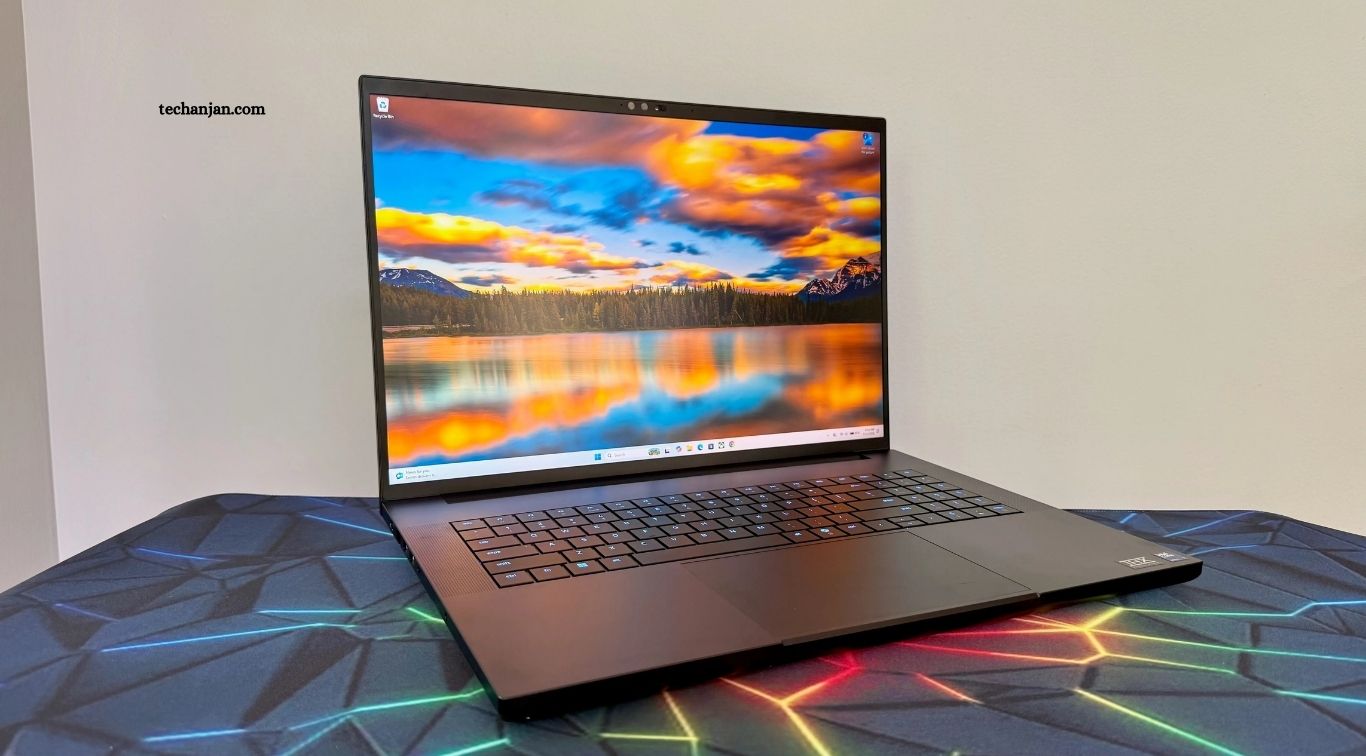
Choosing the best laptop for work, gaming, and study requires balancing performance, portability, battery life, display quality, and price. A good laptop should handle everyday productivity smoothly while offering enough power for demanding software, entertainment, and academic tasks.
Modern laptops are available in many configurations, making the buying process confusing for students, professionals, and gamers. Understanding important features such as processors, memory, storage, graphics, screen quality, and battery capacity can help you choose a device that matches your daily needs.
Read More: The Rise of Smart Devices and IoT Technology
Laptops for Professional Work
The best laptops for work should provide reliable performance, comfortable keyboards, strong battery life, and enough storage for documents and business applications. Professionals often need devices that can handle web browsing, video meetings, spreadsheets, presentations, communication tools, and multitasking without slowing down.
A lightweight business laptop can also make working from different locations easier. Features such as a high-quality webcam, responsive trackpad, durable construction, modern connectivity, and a bright display can improve productivity throughout the workday.
Laptops for Gaming
Gaming laptops are designed to deliver higher performance through powerful processors, dedicated graphics, fast displays, and advanced cooling systems. These features allow modern games to run more smoothly while supporting demanding graphics and high frame rates.
When choosing a gaming laptop, consider the graphics processor, display refresh rate, cooling system, memory, and storage capacity. A powerful graphics card is particularly important for demanding games, while sufficient RAM and fast storage can improve loading times and overall system responsiveness.
Laptops for Students
Students usually need laptops that combine affordability, portability, battery life, and reliable performance. A suitable study laptop should comfortably handle research, online classes, documents, presentations, educational platforms, video calls, and everyday browsing.
Portability becomes especially important for students who carry their laptops between home, classrooms, libraries, and study spaces. A lightweight design, comfortable keyboard, clear display, dependable battery, and adequate storage can make academic work more convenient.
Processor Performance
The processor plays a major role in determining how quickly a laptop handles applications and multitasking. Modern processors provide enough performance for common productivity tasks, academic software, browsing, media consumption, and many creative workloads.
Users with demanding requirements should consider higher-performance processors with multiple cores and efficient power management. Gamers, professionals using advanced software, and students working with specialized applications can benefit from stronger processing capabilities.
RAM and Multitasking
RAM allows a laptop to manage active applications and processes efficiently. Having enough memory is particularly important when users frequently switch between browsers, documents, communication applications, creative software, and other programs.
For everyday work and study, a reasonable amount of RAM can provide smooth multitasking, while more demanding users may benefit from higher memory capacity. Choosing sufficient RAM from the beginning can also help keep a laptop useful for several years.
Storage and Speed
Modern laptops commonly use solid-state drives because they offer faster performance than traditional mechanical hard drives. An SSD can improve startup times, application loading, file transfers, and overall system responsiveness.
Storage capacity should match the user’s needs. Students working mainly with documents may require less storage, while gamers and professionals handling videos, photographs, software projects, or large files may need significantly more space.
Display Quality
A laptop display affects productivity, gaming, entertainment, and study comfort. Screen size, resolution, brightness, color accuracy, viewing angles, and refresh rate are important considerations when comparing different models.
Gamers may prioritize high refresh rates and responsive displays, while creative professionals often value color accuracy and resolution. Students and office users may prefer comfortable screen sizes with good brightness for long reading and working sessions.
Battery Life
Battery life is especially important for people who work or study away from a power outlet. A laptop with efficient hardware can provide greater flexibility during classes, meetings, travel, and extended work sessions.
Battery performance varies according to hardware, screen brightness, applications, and usage patterns. Users should consider realistic battery expectations instead of relying only on manufacturer estimates when choosing a laptop for mobile productivity.
Keyboard and Trackpad
A comfortable keyboard can make a major difference for people who spend hours writing documents, coding, communicating, or completing assignments. Key travel, layout, spacing, and overall responsiveness can affect typing comfort and productivity.
The trackpad is equally important for users who frequently work without an external mouse. A precise, responsive trackpad makes navigation easier and can improve the overall experience when using a laptop for everyday work and study.
Portability and Build Quality
Portability matters for students, professionals, and travelers who regularly move between different locations. Slimmer and lighter laptops are generally easier to carry, although extremely thin designs may involve compromises in cooling, upgradeability, or connectivity.
Build quality also influences long-term usability. Strong materials, sturdy hinges, reliable keyboards, and thoughtful construction can help a laptop withstand regular transportation and everyday use.
Connectivity and Ports
Modern laptops may include USB ports, USB-C connections, HDMI, audio connections, wireless networking, and other connectivity options. The right combination depends on how the laptop will be used and which accessories or external displays are required.
Professionals may need reliable connections for monitors, storage devices, presentations, and office equipment. Gamers can also benefit from suitable ports for external displays, gaming accessories, wired networking, and other peripherals.
Cooling and Thermal Performance
Cooling becomes particularly important in gaming laptops and high-performance workstations. Powerful hardware produces more heat, making effective fans, heat pipes, ventilation, and thermal management essential for maintaining performance.
A well-designed cooling system can help prevent excessive heat during demanding workloads. Users should consider reviews and real-world thermal performance because two laptops with similar specifications can behave differently under sustained workloads.
Operating System
The operating system affects software compatibility, user experience, security, and available applications. Windows laptops provide broad compatibility with productivity software, creative applications, games, and educational tools, making them suitable for many different users.
Other operating systems can also provide strong productivity and study experiences, particularly for users who prefer specific software ecosystems. Before purchasing, check whether the applications required for work, gaming, or education are compatible with the chosen platform.
Laptops for Remote Work
Remote workers often need laptops that support video meetings, communication platforms, cloud applications, document editing, and multitasking. A reliable webcam, microphone, wireless connection, and comfortable display can significantly improve the remote working experience.
Security should also remain a priority for professional users. Regular software updates, strong authentication, secure networks, privacy controls, and responsible file management can help protect business information while working from home or other locations.
Laptops for Creative Work
Creative professionals may require stronger hardware for photo editing, video production, graphic design, animation, music production, and other demanding workloads. Processor performance, RAM, graphics capability, storage speed, and display quality become particularly important for these users.
A color-accurate display can be valuable for designers and photographers, while video editors may benefit from powerful graphics hardware and large storage capacity. Choosing hardware according to the specific creative application can prevent unnecessary spending.
Choosing a Laptop for Gaming and Study
Students who also enjoy gaming need a laptop that balances academic productivity with entertainment performance. A gaming laptop can provide strong hardware, but users should consider its weight, battery life, fan noise, and portability before making a purchase.
A balanced configuration can provide enough power for games while remaining practical for classes and assignments. Students should avoid focusing entirely on graphics performance and instead consider the complete laptop experience, including keyboard quality, display, battery, and durability.
Budget Considerations
Laptop prices vary significantly based on processor performance, graphics capability, memory, storage, display quality, and build materials. Setting a realistic budget before shopping can make it easier to identify useful configurations without paying for unnecessary features.
Instead of choosing a laptop based only on specifications, consider how long you expect to use it and which tasks matter most. Spending slightly more on important features such as RAM, storage, display quality, or processing power can sometimes provide better long-term value.
Future-Proofing Your Laptop
A laptop should ideally provide enough performance for current requirements while leaving room for future software demands. Choosing modern hardware, sufficient RAM, fast storage, and strong connectivity can help extend the useful life of a device.
Future-proofing does not mean buying the most expensive laptop available. It means selecting specifications that comfortably exceed current needs without paying for performance that will rarely be used.
How to Choose the Right Laptop
The right laptop depends on your primary activities. Professionals should focus on reliability, productivity, portability, and battery life, while gamers should prioritize graphics performance, cooling, display quality, and processing power.
Students should look for a practical combination of affordability, portability, battery life, and performance. Buyers who need one laptop for work, gaming, and study should prioritize balanced hardware instead of choosing a machine optimized for only one task.
Frequently Asked Questions
What is the best laptop for work and study?
A laptop with strong performance, good battery life, a comfortable keyboard, reliable storage, and a clear display works well for both tasks.
Are gaming laptops good for studying?
Yes, gaming laptops can handle study tasks well, although they may be heavier and have shorter battery life.
How much RAM should a laptop have?
At least 8GB works for basic tasks, while 16GB provides better multitasking and longer-term performance.
Is SSD storage important in a laptop?
Yes, SSD storage improves startup times, application loading, file transfers, and overall system responsiveness.
What laptop features are important for gaming?
Gaming laptops benefit from powerful graphics, strong processors, sufficient RAM, fast storage, high-refresh-rate displays, and effective cooling.
How should I choose the right laptop?
Consider your budget, main tasks, performance needs, portability, battery life, display quality, storage, and future requirements.
Conclusion
The best laptops for work, gaming, and study combine performance, reliability, portability, display quality, and useful features. While every user has different requirements, understanding processors, RAM, storage, graphics, battery life, and connectivity makes the buying process easier. A strong laptop should match both your current needs and future expectations. By comparing specifications with real-world usage, setting a sensible budget, and prioritizing the features you use most, you can choose a laptop that supports productivity, entertainment, and education for years.

1 Comment
Pingback: Latest Smartphone Innovations You Can't Miss - TechAnjan